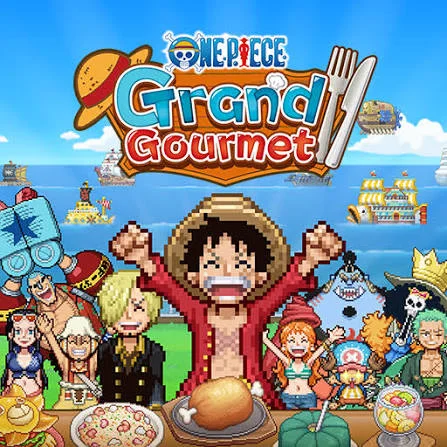
 Grand Gourmet Guide
One Piece Grand Gourmet APK Download for Android
Looking for the One Piece Grand Gourmet APK? The official Android build is published by Bandai Namco on Google Play. This page shows how to install it safely, how to spot fake files and what to do if the game will not install.
We link only to official stores. No APK files are hosted on this site.
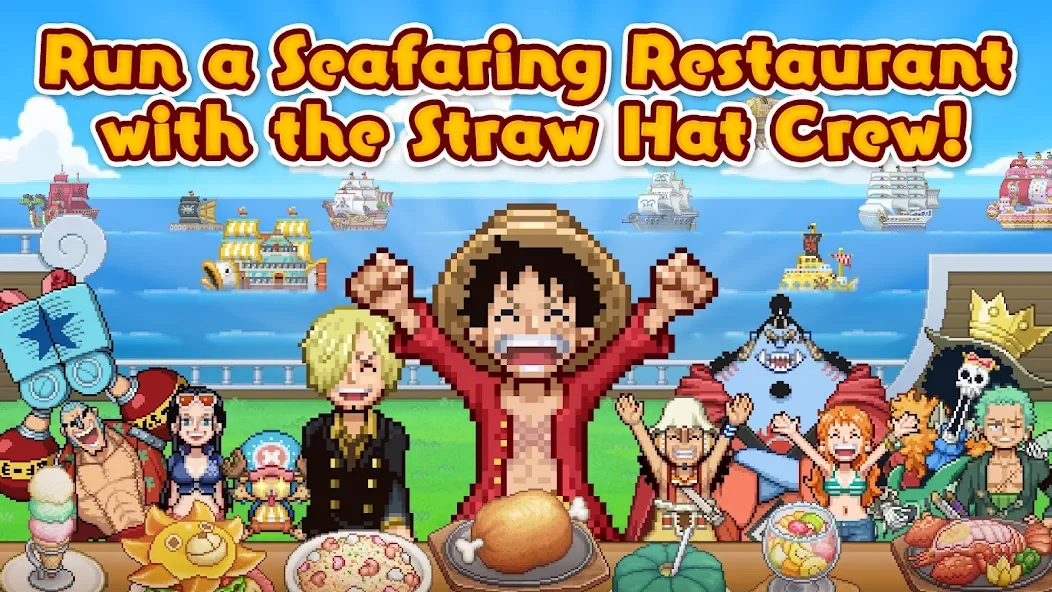
APK details
| App name | ONE PIECE: Grand Gourmet |
|---|---|
| Package | com.bandainamcoent.op_restaurant |
| Publisher | Bandai Namco Entertainment |
| Developer | Kairosoft |
| Released | 23 October 2026 |
| Last updated | 22 October 2026 (per Google Play) |
| Rating | 3+ |
| Data collected / shared | None declared |
How to install One Piece Grand Gourmet on Android
- Make sure your device has a stable internet connection and some free storage.
- Open the Google Play Store and search One Piece Grand Gourmet, or use the button above.
- Confirm the publisher is Bandai Namco Entertainment.
- Tap Install (or the price button) and let the download complete.
- Launch the game and let it finish its first-time setup.
Why the Play Store is the safest APK source
Every app you install from Google Play is an APK under the hood, but Play delivers the developer's signed file, scans it with Play Protect and updates it automatically. Mirror sites often repackage APKs, lag behind on updates or bundle adware. With a brand-new game like Grand Gourmet, which is still receiving patches, staying on the official build also keeps your save compatible with future content.
Troubleshooting
"This item isn't available in your country"
Regional availability is controlled by the publisher. Check the official game page for supported regions, and consider the Steam or Switch versions if mobile is unavailable where you live.
The game crashes on launch
Update Android System WebView and Google Play services, restart your device, clear the game's cache from Settings → Apps, and make sure you have free storage. If problems continue, report them through the support link on the store listing.
Download stuck at pending
Cancel other downloads in the Play Store queue, switch between Wi-Fi and mobile data, and check that your date and time are set automatically.
Curious about modified versions? Read why we don't recommend mod APKs.
FAQ
Is the One Piece Grand Gourmet APK free?
Pricing is set by the publisher and can differ by region. The Google Play listing shows the current price and any in-app purchases before you install.
Can I download the APK without Google Play?
Third-party APK sites exist, but files from them may be outdated or modified. If the game is not offered in your country, the safest choice is to wait for an official regional release rather than sideloading.
What is the package name?
The official Android package is com.bandainamcoent.op_restaurant. Any file using a different name is not the official game.
Will my progress sync between phone and PC?
Google Play Games on PC can sync across devices for supported games, but the store notes that syncing might not be available for this title. Check in-game options before switching devices.